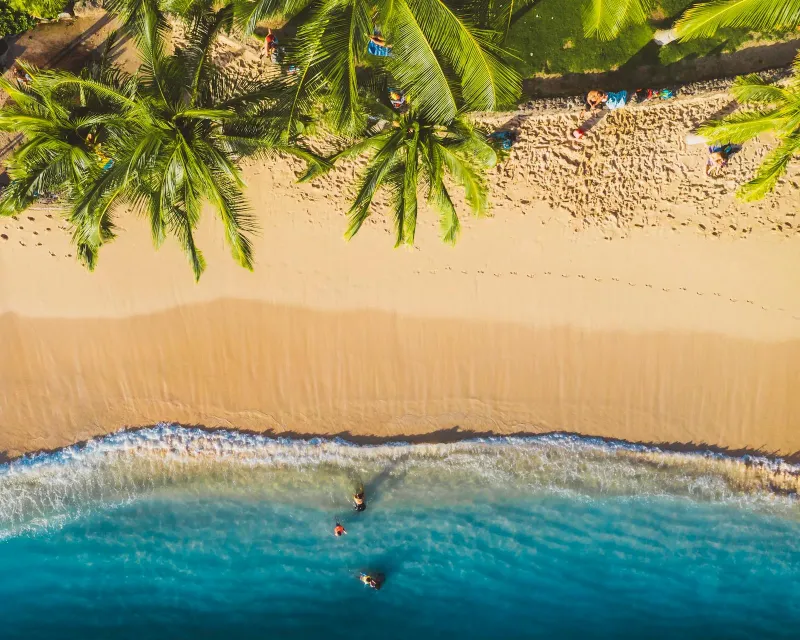

The Beach Office Mindset
Let's kill the myth first. The beach office is not a laptop balanced on your knees in direct sunlight, toes in the sand, cocktail in hand. That setup lasts about eleven minutes before your screen becomes a mirror, your keyboard fills with grit, and your battery dies in the heat.
The real beach office is the terrace of a beachfront café, ten metres from the shoreline, under a palm-thatch roof, with a cold Fanta and a USB-C port. Or it's the early morning hour — 6 to 9am — when the light is soft, the beach is empty, and the air is still cool enough that your laptop breathes. Or it's the Starlink-connected co-living space perched on a cliff in the Azores, waves crashing below your standing desk.
The Slow Travel Advantage
The biggest mistake beach workers make is moving too fast. Hopping between destinations every three days means constantly rebuilding your work setup: new SIM, new Wi-Fi password, new time zone, new coworking space to scout. The nomads who crack the formula stay put for at least two to four weeks per location. You find your rhythm, your go-to breakfast spot with the best connection, your golden hour on the beach, and your reliable backup café when the power cuts out.
At whereismybeach.com, we built our "Digital Nomad" card on every beach listing precisely because these details matter. The 500-metre stretch of sand in Martinique or the bay in Lombok looks identical in a photo whether there's Orange 4G with 40 Mbps or a GPRS signal that drops on every video call.
Managing Expectations — And Your Body
Working in tropical or subtropical climates means managing your biology as much as your bandwidth. Heat causes fatigue. Humidity makes keyboards sticky. Sea air is corrosive to electronics over time. Building a good routine — early morning deep work, midday off the screen, afternoon admin — isn't just good productivity hygiene, it's how you protect your hardware and your sanity.
Ergonomics matter more than people admit. A beach chair for an hour is fine; as a desk setup for six hours, it destroys your back and neck. Invest in a lightweight portable laptop stand and a compact Bluetooth keyboard. Your spine will outlast the trip.
Time Zones at the Beach
The beach location you pick changes everything. Southeast Asia is brutal for European clients but perfect for US West Coast work. The Caribbean slots beautifully into East Coast US hours. Southern Europe and North Africa give you the beach lifestyle while staying within reach of most EU and UK business hours. Research this before you book.
Reading Connectivity Like a Pro
Not all beach Wi-Fi is created equal. The password on the wall means nothing if you're sharing a 10 Mbps ADSL line with thirty guests. And the "strong signal" on your phone says nothing about upload speeds — which is what kills your Zoom calls, not the download.
The Three-Layer System
Every smart beach worker operates on three connectivity layers. Layer 1 is local Wi-Fi — the café, hotel, or coworking space. Layer 2 is your mobile hotspot — your own SIM or eSIM data plan, a connection you control. Layer 3 is your offline buffer — locally cached work, downloaded messages, pre-loaded documents so that 20 minutes of dropped connection doesn't derail your entire morning.
How whereismybeach.com Rates Connectivity
On each beach listing, we reference the mobile operators present (Orange, SFR, Digicel, Telcel, AIS, Indosat…), quality level (excellent / good / weak / offline), and the nearest laptop-friendly café with distance in kilometres. This is sourced from contributor reports, carrier coverage maps, and on-the-ground verification.
Starlink: Game-Changer for Remote Islands
SpaceX Starlink has transformed connectivity on remote islands that were previously digital dead zones. A growing number of eco-lodges and surf camps in places like Fiji, the Maldives, and Pacific island chains now offer genuine high-speed satellite internet. For nomads spending long stretches at a fixed base, it's transformative. For island-hoppers who move weekly, an eSIM paired with local SIM cards is far more practical.
The VPN Question
Always use a VPN on public beach café networks. Tourist beach hotspots are frequent targets — attackers set up rogue networks with names like "Free Beach WiFi" that intercept your traffic. A reputable VPN (NordVPN, ExpressVPN, Mullvad) encrypts your connection before it leaves your device. Non-negotiable if you handle client data or access banking.
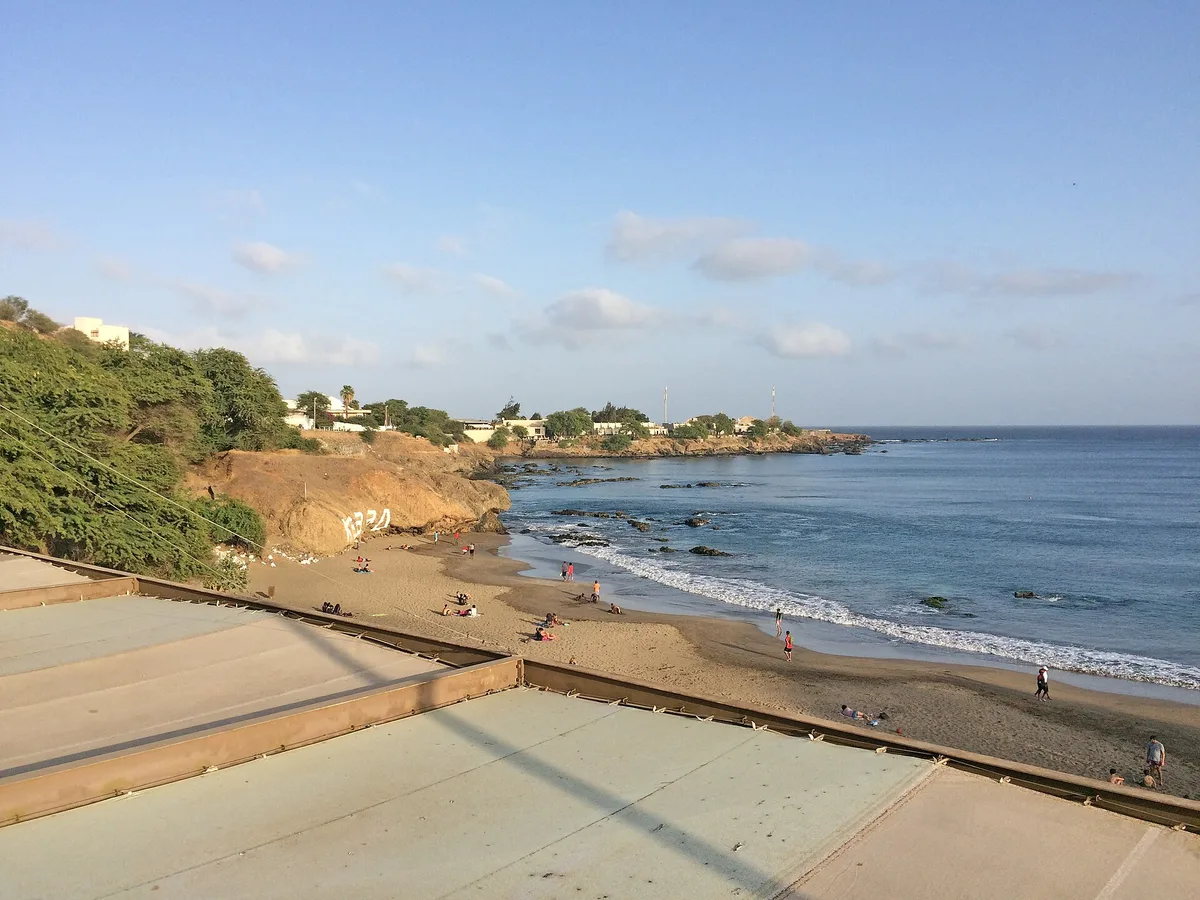 Quebra Canela Beach
Cape Verde · €950 cost / month
84nomad score
Quebra Canela Beach
Cape Verde · €950 cost / month
84nomad score
The eSIM Master Guide for Beach Nomads
Forget the plastic SIM card ritual at every airport. The eSIM — an embedded digital SIM built into your phone — lets you download a data plan before you board your flight, switch networks without opening your phone, and keep your home number active simultaneously. For beach nomads specifically, eSIMs solve a critical island problem: remote archipelagos often have no SIM card shop. You land on a Polynesian island Tuesday afternoon and there's nowhere to buy data. With an eSIM pre-loaded, you're connected from the moment you step off the boat.
| Provider | Coverage | Best For | Price Range | Island Performance |
|---|---|---|---|---|
| Airalo | 190+ countries | First-timers, broad coverage | $5–$40 / 1–10GB | Excellent |
| Holafly | 60+ countries | Heavy users (unlimited plans) | $29+ / unlimited | Good |
| GigSky | 190+ incl. inflight & sailing | Caribbean, Pacific, boats | $12–$60 / 1–10GB | Best Islands |
| Saily (by NordVPN) | 150+ countries | Security-first nomads | $2–$25 / 1–20GB | Good |
| Nomad eSIM | 200+ destinations | Flexible top-ups, hotspot | $3–$30 / 1–10GB | Good |
| Roamless | 200+ destinations | Pay-as-you-go, no expiry | From $0.01/MB | Variable |
| Maya Mobile | 200+ countries | Full-time nomads, set-and-forget | Global unlimited plans | Good |
The beach isn't your office. The beach is your reward. Your office is the shaded terrace ten metres back, with an outlet, a strong espresso, and 40 Mbps of upload.
Gear & Tech Setup for Beach Work
The beach is a hostile environment for electronics. Sand is abrasive and gets into every port and crevice. Salt air corrodes metal components over weeks. Direct sun causes screen glare and processor throttling. Humidity invites condensation inside your machine. Every piece of gear you choose should account for these realities.
The Best Laptops for Beach Work in 2026
The laptop market in 2026 has split clearly into two camps for nomads: Apple Silicon Macs and the new ARM-based Windows ultrabooks. Both have eliminated the fan-noise-in-a-quiet-café problem, and both deliver genuine all-day battery life. Here's the honest breakdown.
MacBook Air M4 (2025/2026) — The default choice. The 13.6-inch Liquid Retina display peaks at around 500 nits, making outdoor use at a shaded café terrace genuinely practical. Battery life in real-world web surfing tests comes in at nearly 15 hours — enough for a full working day without hunting for an outlet. The fanless design means zero thermal throttling noise, and it weighs just 1.24 kg. The weak point for beach workers: Apple doesn't offer the nano-texture anti-glare option on the Air (only on the Pro), which makes a real difference when working near bright windows or outside. Budget: from ~$999.
MacBook Pro M4 (14") — When you need more. The Pro solves the Air's outdoor limitation with 1,000 nits peak brightness and the optional nano-texture matte display that dramatically cuts glare. Battery life exceeds 17 hours. If you edit video or work in design, this is the beach laptop — the screen is genuinely usable in direct ambient light. Budget: from ~$1,599.
Dell XPS 13 (2025/2026) — Best Windows option. Weighing just 1.17 kg with a 3.5K OLED touch panel, it's one of the most portable premium Windows laptops available. The 2025 Dell XPS 13 battery life averaged an impressive 19+ hours in benchmark testing — class-leading. The OLED screen is stunning but glossy; pairing it with an anti-glare protector is non-negotiable for outdoor use. Budget: from ~$1,299.
Lenovo ThinkPad X1 Carbon Gen 13 — For reliability-first nomads. The ThinkPad X1 Carbon is the top pick for business travel + reliability, praised consistently for its keyboard — the best on any Windows laptop. Military-grade durability ratings mean it survives the humidity, bumps, and salt air of beach travel better than most. Some configurations offer matte anti-glare displays up to 500 nits. Budget: from ~$1,400.
ASUS ZenBook 14 OLED — Best value. The ZenBook 14 is the sweet spot for budget-conscious nomads — roughly 85% of the MacBook experience for 65% of the price, with an OLED panel delivering vivid colours and solid outdoor visibility under shade. Battery averages 11–12 hours. Budget: from ~$749.
Sun, Glare, and the Shade Hierarchy
Your first priority is shade: (1) building overhang, (2) palm tree shade, (3) beach bar umbrella, (4) travel umbrella, (5) laptop hood (~$30, folds flat, blocks direct overhead and side light). Never work in direct sunlight — it can drive your laptop past 95°C, triggering shutdown or permanent damage. The same shade logic — and where you're actually allowed to plant a parasol in 2026 — runs through our beach umbrella guide.
Sand and Salt Defence
A silicone keyboard cover (~$10, model-specific) is the simplest and most effective protection against sand and moisture. At the end of every beach session, blow compressed air through ports and keyboard gaps before packing up. Never place your laptop directly on sand — always on a hard mat, towel, or table surface. And for getting the grit off you at the end of a session — not just the gear — our guide to removing stuck sand has the quick tricks.
Store your machine in a waterproof dry bag in transit. A splash from a boat, a sudden downpour, or a rogue wave can kill an unprotected laptop in seconds. Osprey and Sea to Summit make excellent compact dry bags that fit a 15" sleeve inside.
Essential Beach Work Gear
- Waterproof Dry Bag — Osprey Ultralight or Sea to Summit. Mandatory for boat transfers and sudden rain. Fits laptop + adapter.
- Laptop Hood / Shade — ~$30 collapsible hood. Reduces glare by 90% when no roof available. Folds to credit-card thickness.
- Silicone Keyboard Cover — Model-specific, ~$10. Blocks sand, moisture, salt. Get two — they wear fast in humid climates.
- Portable Laptop Stand — Nexstand or Roost. Elevates screen, improves airflow, and saves your neck over long sessions.
- Compact BT Keyboard + Mouse — Logitech MX Keys Mini. Use your laptop elevated without losing typing comfort.
- USB Cooling Pad — Cooler Master NotePal. Drops internal temps 10–15°C in still tropical air.
- Noise-Cancelling Headphones — Sony WH-1000XM5 or Bose QC45. ANC makes calls and deep work possible anywhere.
- Anti-Glare Screen Protector — Matte anti-reflective film for your specific model. Reduces sun reflections + scratch protection.
Laptop Comparison: Beach Edition 2026
| Laptop | Weight | Screen Brightness | Battery (real-world) | Beach Verdict | Price from |
|---|---|---|---|---|---|
| MacBook Pro M4 14" | 1.61 kg | 1,000 nits + nano-texture option | 17–18h | Best Outdoor | ~$1,599 |
| MacBook Air M4 13" | 1.24 kg | ~470 nits (tested) | 14–15h | Best Value Mac | ~$999 |
| Dell XPS 13 (2025) | 1.17 kg | OLED — glossy, needs protector | 19h+ (benchmark) | Best Windows | ~$1,299 |
| Lenovo ThinkPad X1 Carbon Gen 13 | ~1.12 kg | Up to 500 nits, matte options | 14–16h | Most Durable | ~$1,400 |
| ASUS ZenBook 14 OLED | 1.35 kg | OLED, 400 nits typical | 11–12h | Best Budget | ~$749 |
| LG Gram 14 (2026) | 0.99 kg | 400 nits | 18–20h (ultralight) | Lightest Option | ~$1,100 |
Battery life from independent real-world tests, not manufacturer claims. Prices approximate, vary by region and configuration.
Power, Outlets, and Staying Alive
The Global Plug Problem
Every region has its own plug standard. Type A/B (US/Caribbean/Japan), Type C/E (Europe/French territories/SE Asia), Type G (UK/East Africa/Maldives), Type I (Australia/Pacific). A quality universal travel adapter with surge protection is as fundamental as your passport.
The best models — Epicka or Bestek universal adapters — include multiple USB-A and USB-C ports, letting you charge laptop, phone, earbuds, and power bank from a single outlet. In beach bars where there's only one socket, this transforms one plug into a full charging station.
Power Banks: The Real Numbers
For genuine laptop charging, you need minimum 20,000 mAh at 100W USB-C PD. A MacBook Air M2 has a ~50 Wh battery — a 20,000 mAh / 74 Wh bank gives roughly 1–1.5 full charges depending on efficiency losses. The Anker 737 (26,800 mAh, 140W) and Baseus 30,000 mAh (100W) are popular nomad choices. Solar chargers are impractical for laptops — use them for phones only.
How to Scout Power Outlets
At any new beach location, your first walk should be a power audit. Identify which beach bars have outdoor outlets (ask staff directly), which have surge-protected strips vs. bare single outlets, and whether the electricity is stable or subject to cuts. In many small Caribbean islands and Pacific locations, power infrastructure is fragile — small inverter brownouts are common during peak afternoon heat. Save your work frequently.
Power in French Territories
Martinique, Guadeloupe, Réunion, French Polynesia use the same Type E plugs as mainland France at 220V/50Hz — no adapter needed for European equipment. Power quality is generally reliable but can dip during storms. Beach bars run on standard French electrical standards.
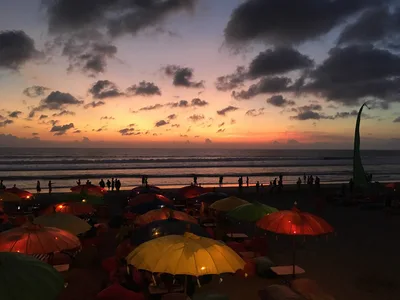
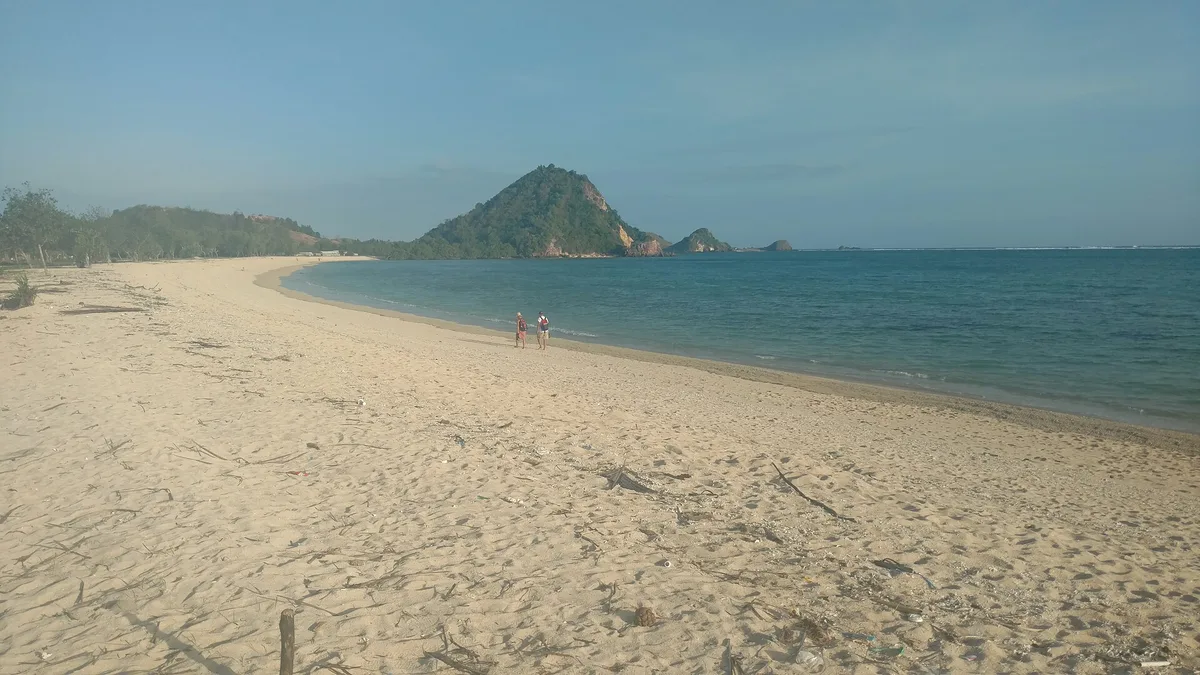 Kuta Beach
Indonesia · €1100 cost / month
84nomad score
Kuta Beach
Indonesia · €1100 cost / month
84nomad score
Beach Bars, Cafés & Coworking Spaces
The best beach work spots are rarely on the sand itself. They're the places just behind it — the shaded terrace of a beachfront café, the mezzanine of a surf school, or the dedicated coworking space that opened because ten other nomads had the same idea. Here's how to evaluate them.
What to Look For in a Beach Work Spot
- Dedicated power outlets at table height. Ask to confirm they handle laptop wattage (45–100W). Some bars only have outlets behind the bar for their own equipment.
- Separated Wi-Fi networks. The best spots offer a staff or "work" network separate from the main guest Wi-Fi — so you're not competing with twenty tourists streaming TikTok on the same 10 Mbps pipe.
- A minimum spend policy you can justify. Honest beach bars charge a day pass ($5–20) or a food/drink minimum. Avoid spots where the policy is unclear — you don't want to be asked to leave mid-call.
- Natural or structural shade before 11am. Check the orientation. North-facing terraces stay consistently shaded and cooler. East-facing gets morning sun — good for ambiance, bad for screens.
- Stable noise levels for calls. Wave noise is actually great — it's natural white noise. But music at 11am or a bar that fills with tourists at noon will kill your calls. Visit in the morning to assess.
The Rise of Beach Coworking
A new category of spaces has emerged at the intersection of coworking and beach life. These aren't generic glass offices with an ocean view — they're purpose-built environments with high-speed fibre, ergonomic seating, meeting pods, reliable power backup, and proximity to the water.
Canggu in Bali has led this wave — Dojo Bali and Tropical Nomad Coworking both have terrace areas with ocean-facing views and serious infrastructure. The trend has spread: Taghazout in Morocco, Las Palmas in Gran Canaria, Porto da Barra in Salvador Brazil, Unawatuna in Sri Lanka, and Koh Lanta in Thailand now all have legitimate beach coworking options.
In the French Antilles — Martinique, Guadeloupe — spots like Ti kafé near listed beaches on whereismybeach.com offer the quintessential French Caribbean work experience: strong espresso, fibre Wi-Fi from Orange, creole music and sea breeze.
Beach Bar Etiquette for Nomads
You are a guest in someone's business. Order every 1.5–2 hours, don't monopolise a table of four with your solo setup, use headphones for calls, tip generously, and learn five words in the local language. These small gestures keep beach bars open and welcoming to the next nomad who comes after you.
Where beach nomads actually base themselves
The spots that work long-term share a pattern: rated connectivity, a real café-and-coworking scene a short walk from the sand, a workable cost of living, and a time zone that fits your clients. A few that keep drawing remote workers — each on our map with its Digital Nomad layer:
- Bali, Indonesia — the original beach-nomad hub. Base around Seminyak and the Canggu coast for fibre coworking, surf and a deep café scene.
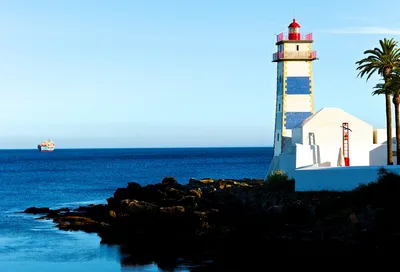
- Cascais & the Lisbon coast, Portugal — EU time zone, fast fibre and Atlantic light: Praia de Cascais is a 40-minute train from a capital full of coworking, and surfers drift west to Praia do Amado.
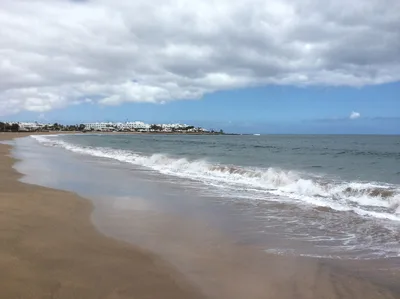
- Lanzarote & the Canaries, Spain — year-round spring, EU roaming and reliable power: Playa de los Pocillos sits in one of Europe's most established winter-nomad belts.
- South coast, Sri Lanka — cheap, warm and slow in the best way; Weligama and Dickwella anchor a surf-and-work scene that runs on local SIMs and a growing café network.
- Riviera Maya, Mexico — built for US-hours work: Playa del Carmen pairs Caribbean water with serious coworking density.
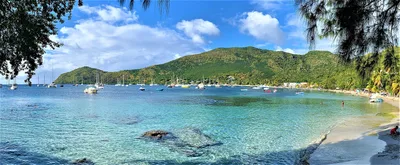
- Martinique, French Caribbean — EU plugs, the euro and solid Orange 4G; Grande Anse d'Arlet is the postcard, with espresso and fibre a short ride away.
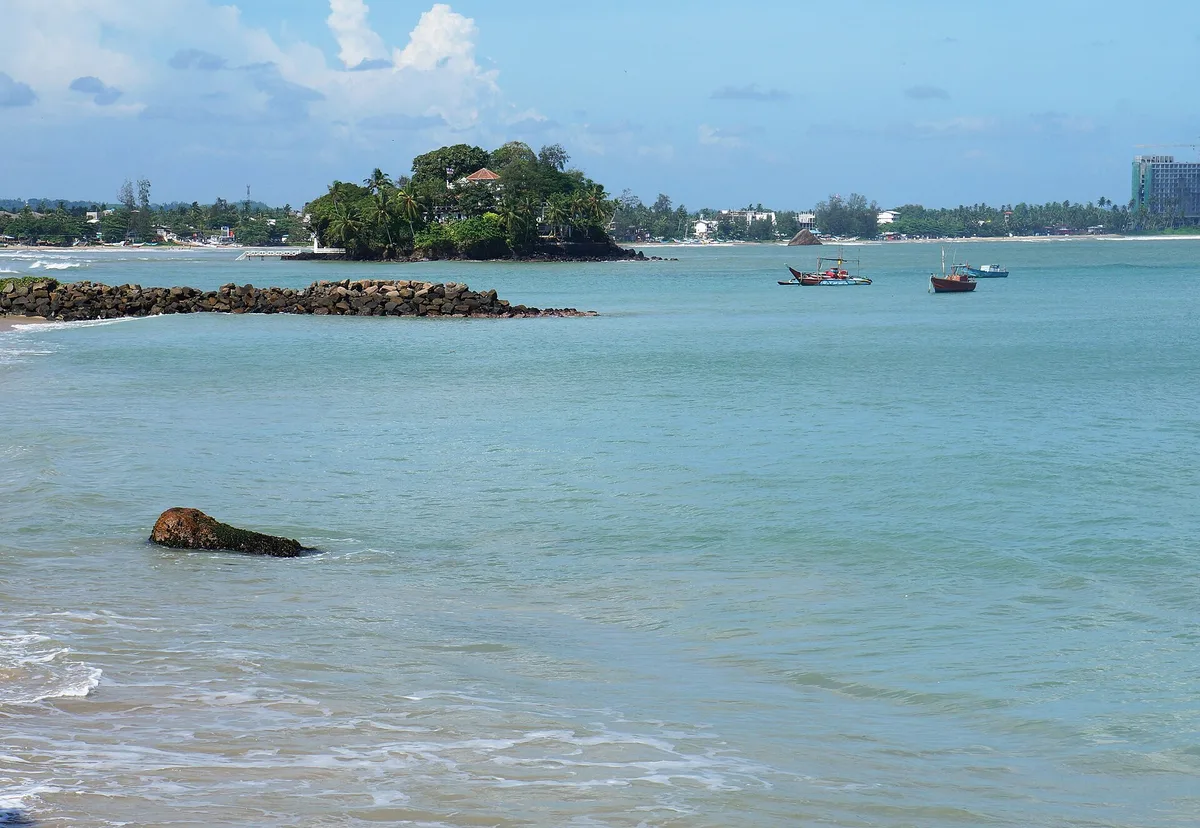 Weligama Beach
Sri Lanka · €680 cost / month
84nomad score
Weligama Beach
Sri Lanka · €680 cost / month
84nomad score
Working from Remote Islands: the Real Playbook
Small islands are where the gap between beach fantasy and work reality is widest. They're also where the magic is — the kind of place that makes you forget what day of the week it is, in a good way. Getting connectivity right on remote islands requires a different level of preparation.
Before You Arrive
Research the specific island — not the country. Island connectivity varies enormously within an archipelago. Bali has excellent 4G. The Gili Islands, 45 minutes away by fast boat, have patchy 3G and frequent outages. Martinique has solid Orange 4G coverage. Some smaller dependencies in the same region may have EDGE or no data at all.
Check the whereismybeach.com listing for your specific beach before booking. If it shows "weak / offline," plan accordingly: download everything you need, pre-schedule messages, use async communication, and front-load your week's work before travelling to the island.
The Offline Work Stack
Build a toolkit that functions without internet: Notion or Obsidian for offline notes and writing, VS Code for development, Google Docs offline mode and Figma offline enabled before departure, Toggl for offline time tracking. Download reference materials and documentation. Commit and push code before the ferry.
The Island eSIM Strategy
For remote island chains (French Polynesia, Maldives, Philippines, Indonesia, Caribbean), run a dual-eSIM strategy if your phone supports it: one global roaming plan (Airalo, GigSky) for broad coverage, one local carrier plan for best local speeds. GigSky specifically stands out for Caribbean and Pacific island performance — tested in the Dominican Republic where local power instability compounds connectivity challenges, and maintained signal quality where other providers dropped.
Managing Client Expectations
Transparency is your best tool. If you're heading to a remote island for two weeks, tell clients in advance: "I'll be working from an island with limited connectivity from [dates]. I'll be available for async communication and will check in for calls at [time window]." Most clients respect this if communicated proactively. What kills working relationships is silence and missed calls without context.
The Ultimate Beach Nomad Packing Checklist
Tech & Computing
- Laptop (matte screen, 500+ nits)
- Laptop stand (Nexstand / Roost)
- Compact Bluetooth keyboard + mouse
- Silicone keyboard cover (×2)
- Anti-glare screen protector
- Laptop hood / sun shade (~$30)
- USB cooling pad
- Noise-cancelling headphones (ANC)
- Smartphone + backup old phone
- USB-C hub / multiport dock
Power & Connectivity
- Universal adapter with surge protection
- Power bank ≥ 20,000 mAh / 100W USB-C PD
- Mini power strip with surge protection
- eSIM pre-installed (Airalo or GigSky)
- Backup physical SIM from destination
- All charging cables (USB-C ×3)
- VPN subscription active on all devices
- Offline work stack configured
- Speedtest.net bookmarked
Beach & Protection
- Waterproof dry bag (15" laptop size)
- Microfibre cloths ×3 (daily wipedown)
- Compressed air duster (mini travel)
- Polarised sunglasses
- Hard mat (never laptop on sand)
- Reef-safe sunscreen (SPF 50+)
- Insect repellent (evening coworking)
- Travel insurance covering electronics
- Serial numbers of all devices (photographed)
Frequently asked questions
Will the WiFi at the beach actually hold a video call?
Often, but never bet a client call on café WiFi alone. The reliable approach is the three-layer system from this guide: a primary connection (fibre-backed café or coworking), a backup eSIM or local SIM on a second carrier, and a fallback — increasingly Starlink on remote coasts. Check a beach’s connectivity rating before you commit, run a speed test on arrival, and schedule the critical calls where you already know two layers work.
What’s the best eSIM for working from the beach?
There is no single winner — it depends on the region. Airalo has the widest country coverage, Holafly sells unlimited-data plans that suit heavy video days, and Saily and Nomad often beat them on price per GB. The rule that matters: buy data on the carrier with the best coastal coverage in your country, not the cheapest one inland. Keep a second eSIM on a different network as your backup layer.
How do I protect a laptop from sand, salt and glare?
Treat salt air and fine sand as the real enemies, not the odd splash. Never put a laptop directly on sand — use a hard mat. Carry a waterproof dry bag sized for your machine, wipe the chassis daily with a microfibre cloth, and blow out the keyboard with a mini air duster. For glare, sit in stable shade rather than chasing it, and a matte screen or a privacy/anti-glare filter makes midday work readable.
Can I rely on finding power outlets at a beach café?
Not reliably — plan for power rather than hope for it. Scout outlets when you arrive (corners and walls near the counter are the usual spots), carry a high-capacity power bank rated for several laptop top-ups, and bring the right plug adapters for the region. On remote coasts and French overseas territories the plug standard and grid reliability vary, so a charged power bank is what keeps you working when the outlet does not.
Is it realistic to keep a remote job from a remote island?
Yes, if you prepare for it instead of improvising. Download everything you need before you arrive, build an offline work stack so a dropped connection does not stop you, line up an island eSIM strategy, and set client expectations about your time zone and response windows up front. Remote islands reward planners and punish people who assume the connection will simply be there.
Which beaches are best for digital nomads?
Look for beaches that pair strong, rated connectivity with shade, nearby coworking or fibre-backed cafés, and a workable cost of living. You can browse the ones we tag as nomad-friendly on our digital-nomad beaches filter, then cross-check each beach’s connectivity rating and best months before you book a long stay.
Connectivity, eSIM coverage, prices and local conditions vary by destination and change over time. Everything here is general guidance gathered in 2026 — not connectivity, travel or financial advice. Always confirm current details (coverage, plans, power standards, visa rules) from official and operator sources for your specific destination before you rely on them. Where Is My Beach is not responsible for decisions made on the basis of this article.
Photo credits
Sources and licenses for the photos shown above.
- Photo 1 — Photo by Ketut Subiyanto on Pexels · Pexels License